
Energy and status from production equipment, temperature and humidity in storage and equipment rooms, cleanrooms, chemical stores and food stores, sensing spread across highway sites and campuses, and a call for help on a night shift or a lone round. RS-485 for the equipment you already have, DECT NR+ where there is no cable, battery-free buttons for people — collected by the EdgeRouter and handed to your BMS, SCADA or cloud as Modbus TCP or JSON. It is set up from a web page, and every sensor reading and emergency call shows in the browser as it arrives.
Product combinationBFi53ER0-MB EdgeRouter (RS-485 → Modbus TCP) + BFi91XTD nodes with a BFi53ER0S (DECT NR+) + BFi5EWS buttons, STM 550B / EMDCB sensors
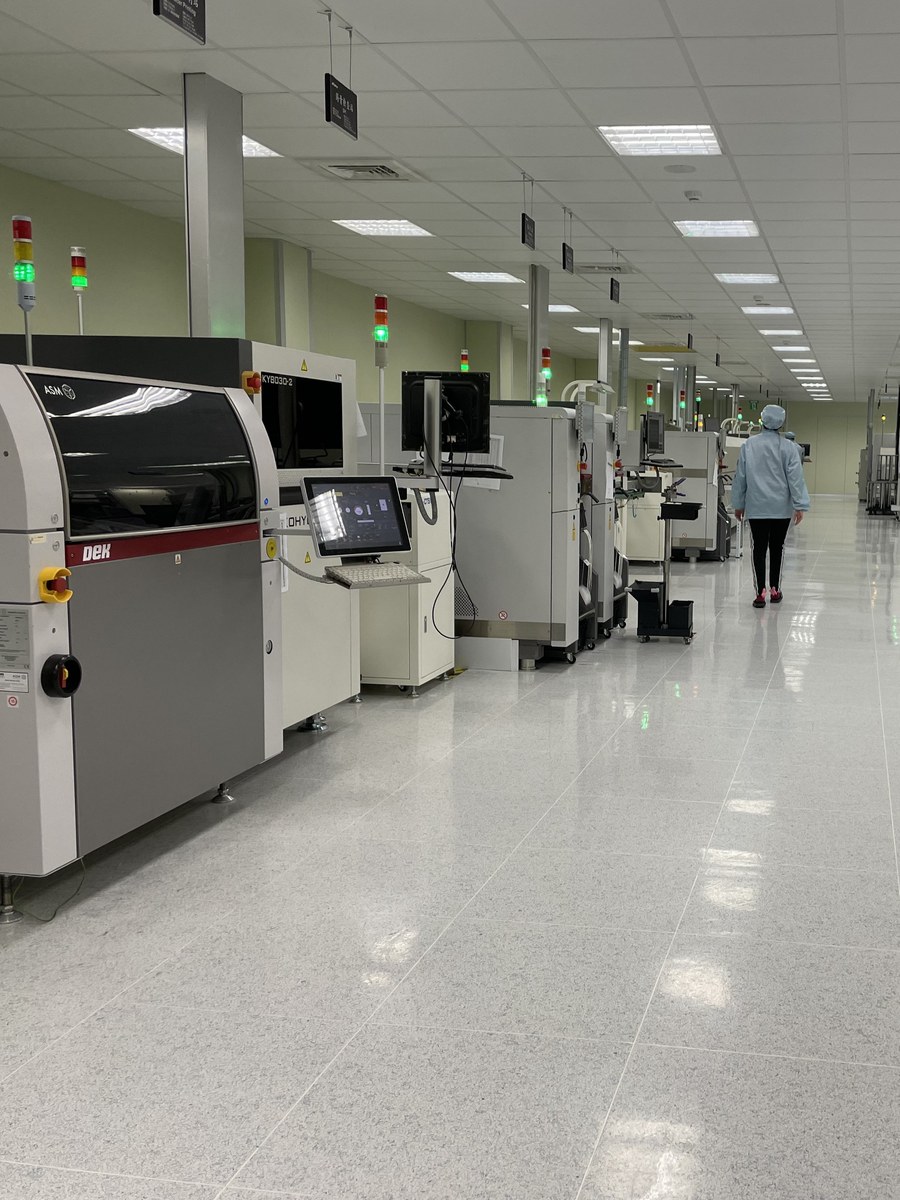
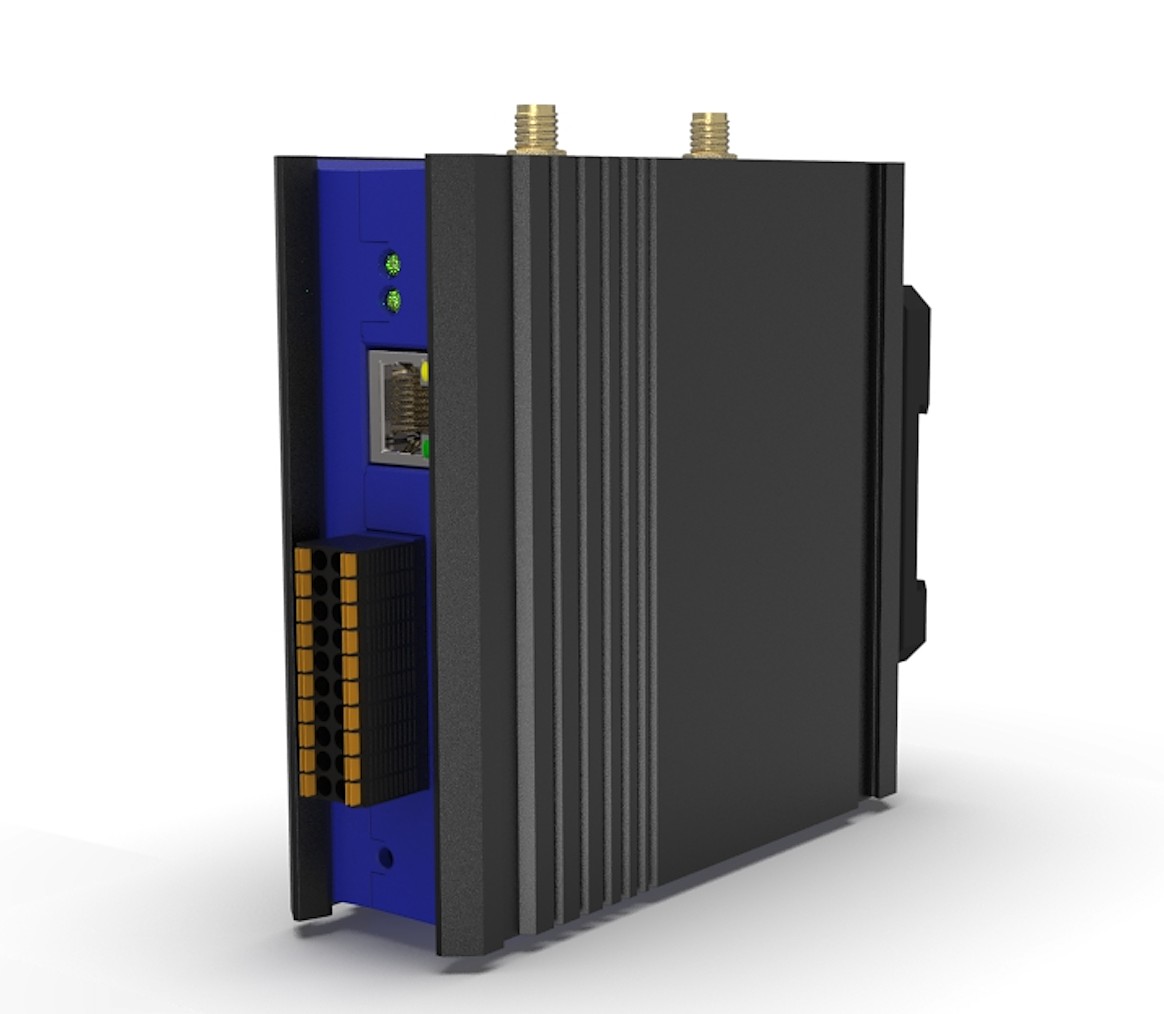
The EdgeRouter is the Modbus RTU master on the RS-485 (A/B) bus, polling sensors and meters, and a Modbus TCP server to the BMS or SCADA. 0–10 V and DI/DO are on the same BFi53ER0; several units can share one Bluetooth Mesh, one PoE cable each. RS-485 over Bluetooth Mesh →
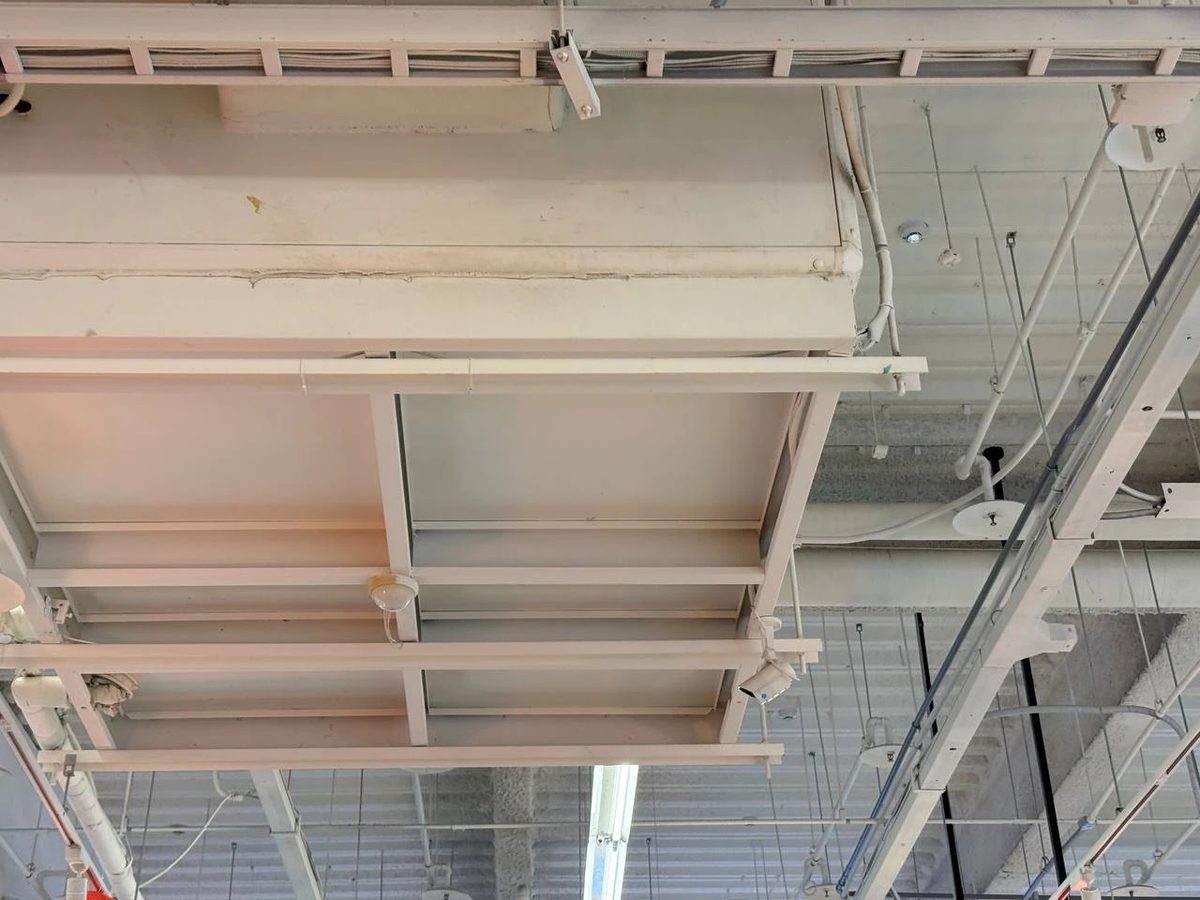
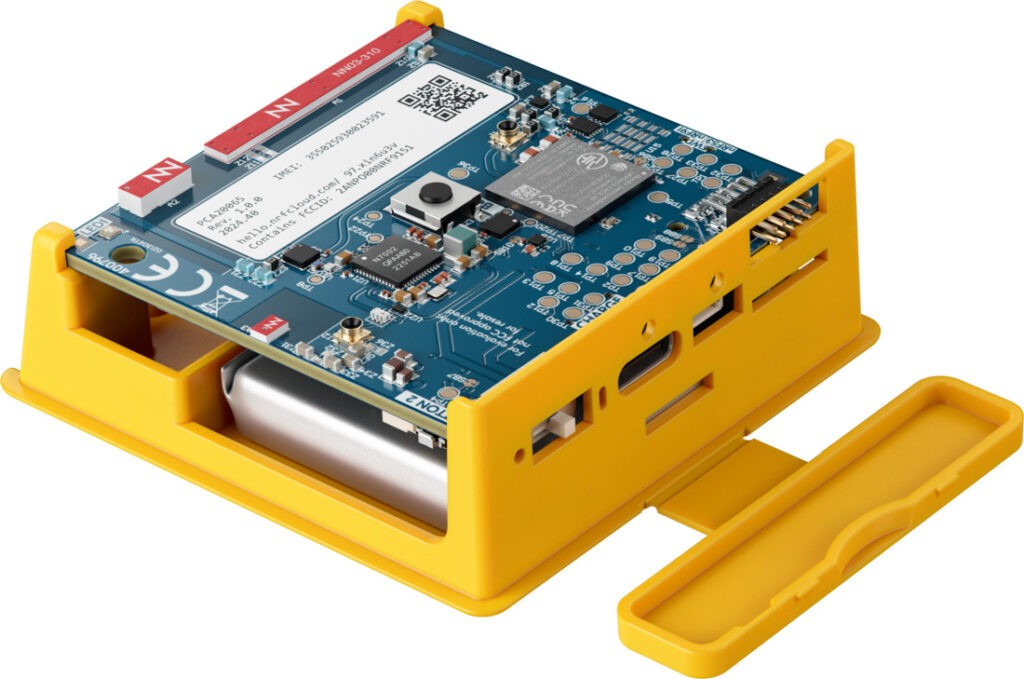
BFi91XTD nodes form a multi-hop mesh on a licence-exempt band — no SIM, no base station — and a BFi53ER0S brings it back onto Ethernet. For highway sites, campuses and large plants. DECT NR+ →
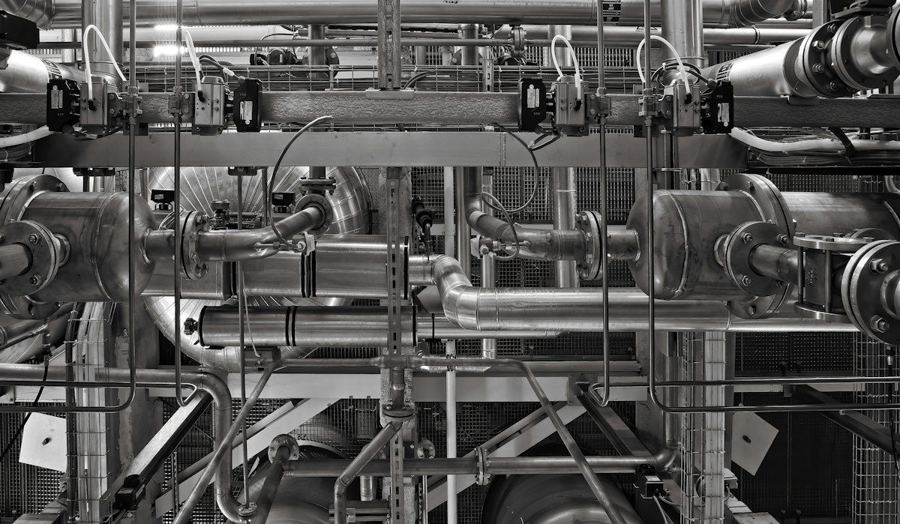
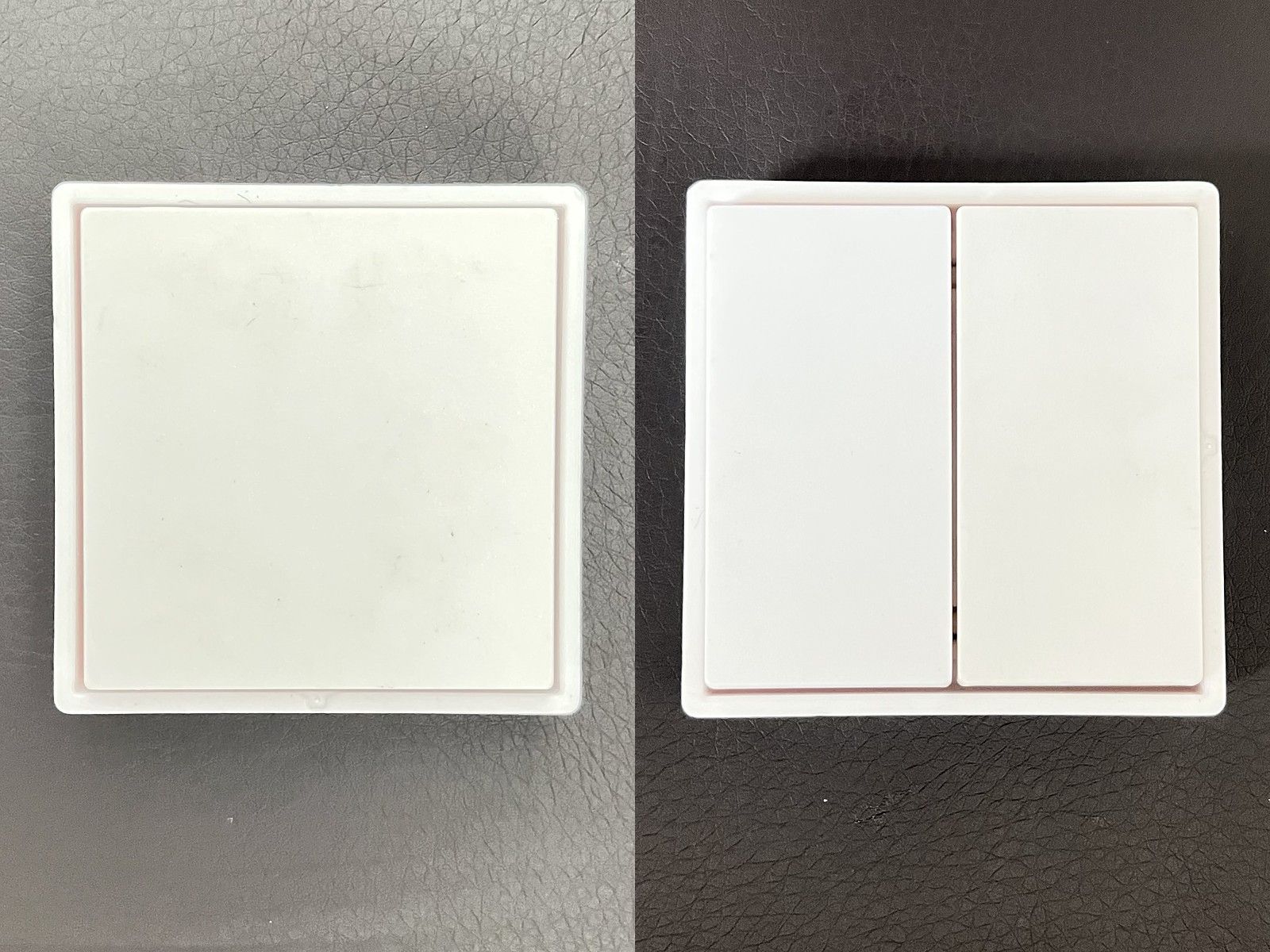
Battery-free buttons on a machine housing, a rack or a column: one press for help on a night shift or a lone round. EMDCB tells the responder whether someone is still there; STM 550B reports equipment-room temperature, humidity and a door left open. Battery-free gateway →
Some rooms are costly to enter and costlier to wire: a cleanroom where every cable run means drilling and sealing a panel, a chemical store kept closed and segregated, a food plant’s ingredient and chilled stores where freshness depends on temperature and on doors being shut. STM 550B multisensors and battery-free switches are simply stuck on — no cable, no battery, no conduit through the wall — and a BFi53ER0-BF gateway reports every reading and every press as it happens.
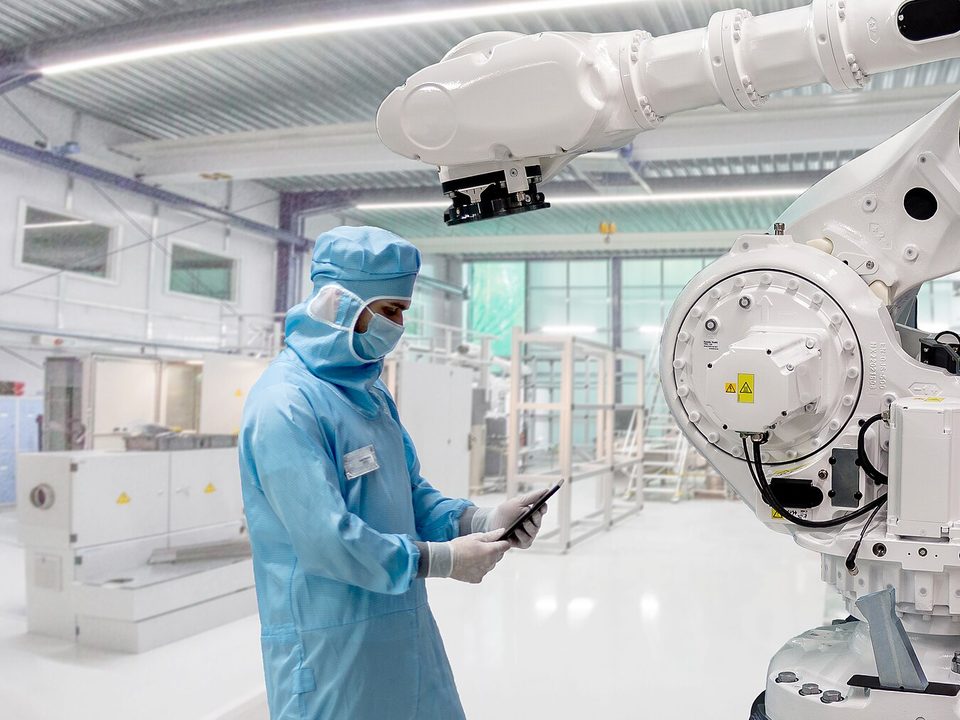
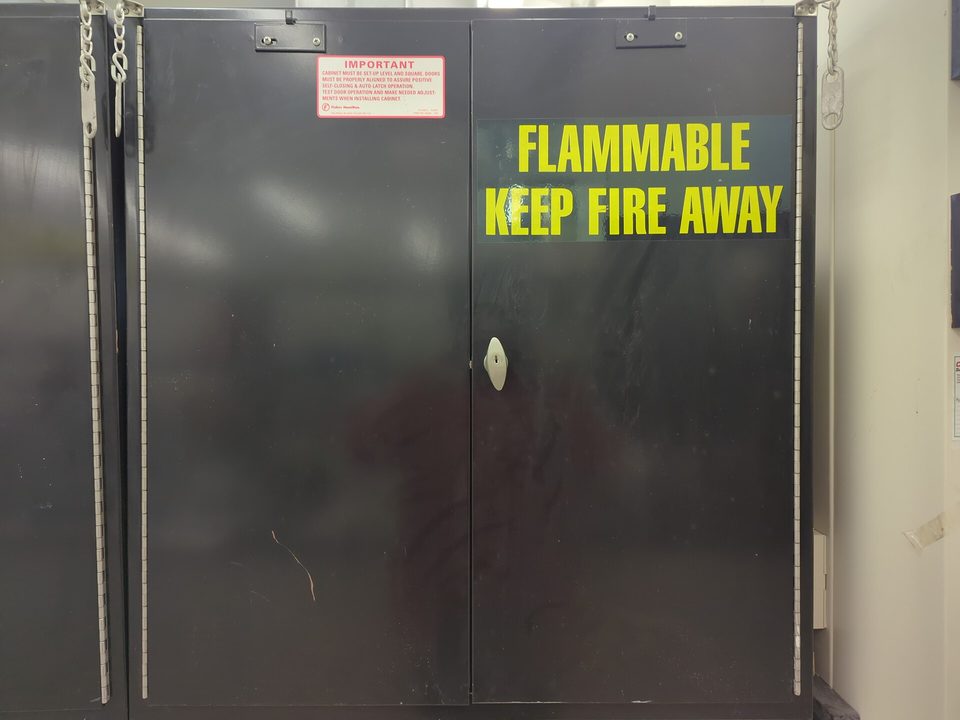
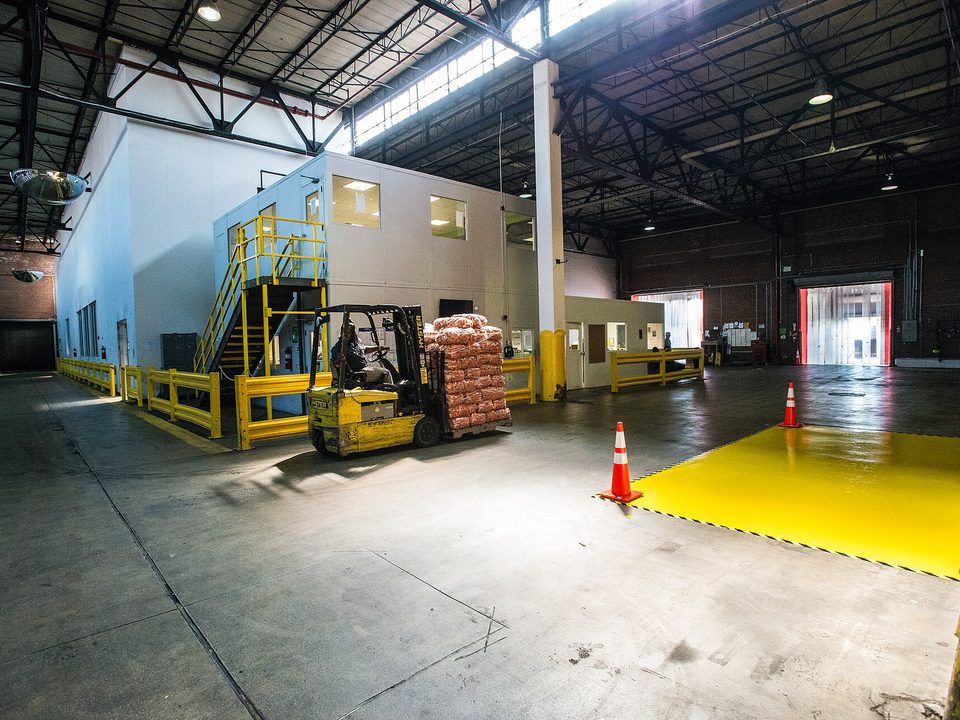
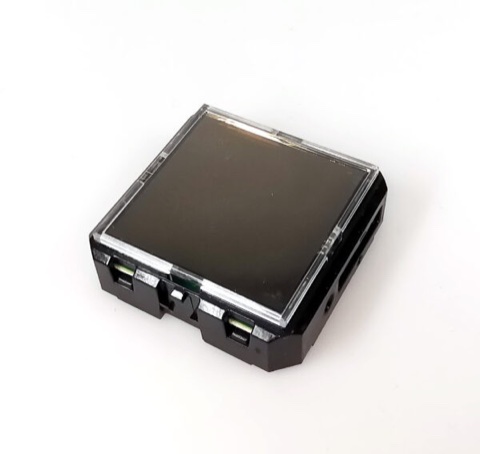
An STM 550B sticks to a wall or panel and reports temperature, humidity, light and whether a door was left open. No cable penetrations to seal, no batteries to change inside the gowned area, and moving a sensor later is a matter of peeling it off.
Climate and a door contact show whether the room stayed in range and when it was opened. A battery-free switch by the door gives staff a one-press check-in or call for help, logged with its time. The gateway stays outside the room on one PoE cable.
Dry stores, ingredient rooms, chilled rooms and dispatch bays: STM 550B sensors report temperature and humidity, and a door contact shows a cold-room door left open before the produce warms up. Every reading is kept on the microSD card with its time, a ready base for temperature logs. Freezer and blast-chiller probes already wired to RS-485 controllers are read over Modbus RTU on the same gateway.
Each telegram arrives as JSON over UDP or TCP and as Modbus TCP registers for the BMS or SCADA, with its signal strength and any telegrams missed; a microSD card keeps the record, and the live view shows each room in a browser. Battery-free gateway →
On the BFi53ER0, the RS-485 port bridges Modbus RTU and Modbus TCP, so wired sensors already in the room — differential pressure, particle or gas monitors — reach the information system alongside the battery-free ones. The digital and 0–10 V inputs and outputs link to the alarm system: a switch press, an occupancy change or a door opening can drive an output or a relay on the bus to a beacon or the alarm panel directly, with no PLC in the path — up to 64 such rules, with arming for out-of-hours alerts and a warning when a sensor falls silent (an alert, not a certified alarm system); inputs and their alarm limits are reported over Modbus TCP, and the BMS can drive the outputs. Everything is set up from the gateway’s settings page in a browser.
The BFi53ER0-BF serves its own pages: no commissioning software, no server to install. Fix the sensors and buttons, open a browser, and each one appears the first time it reports.
http://bfi53er0-xxxx.local/ on a laptop or phone on the same network. No app, no server, no software to install — and no internet or router needed to get started.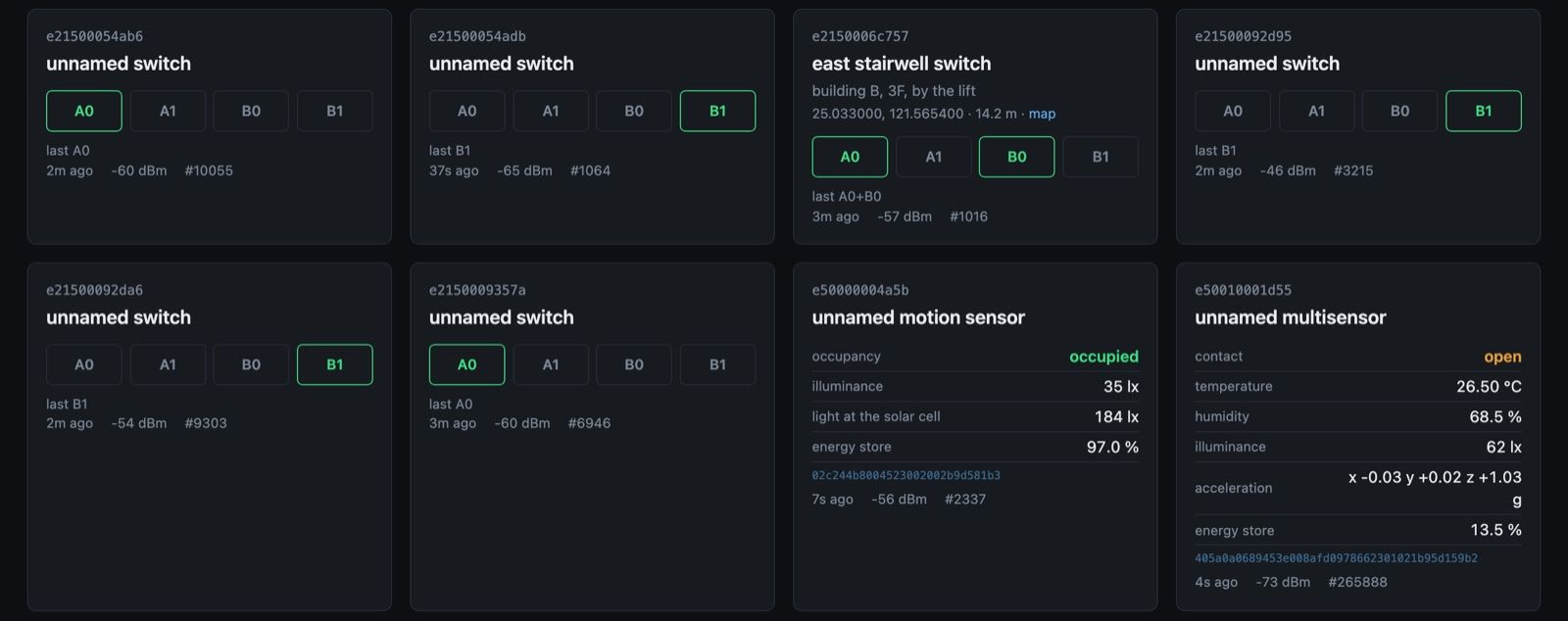
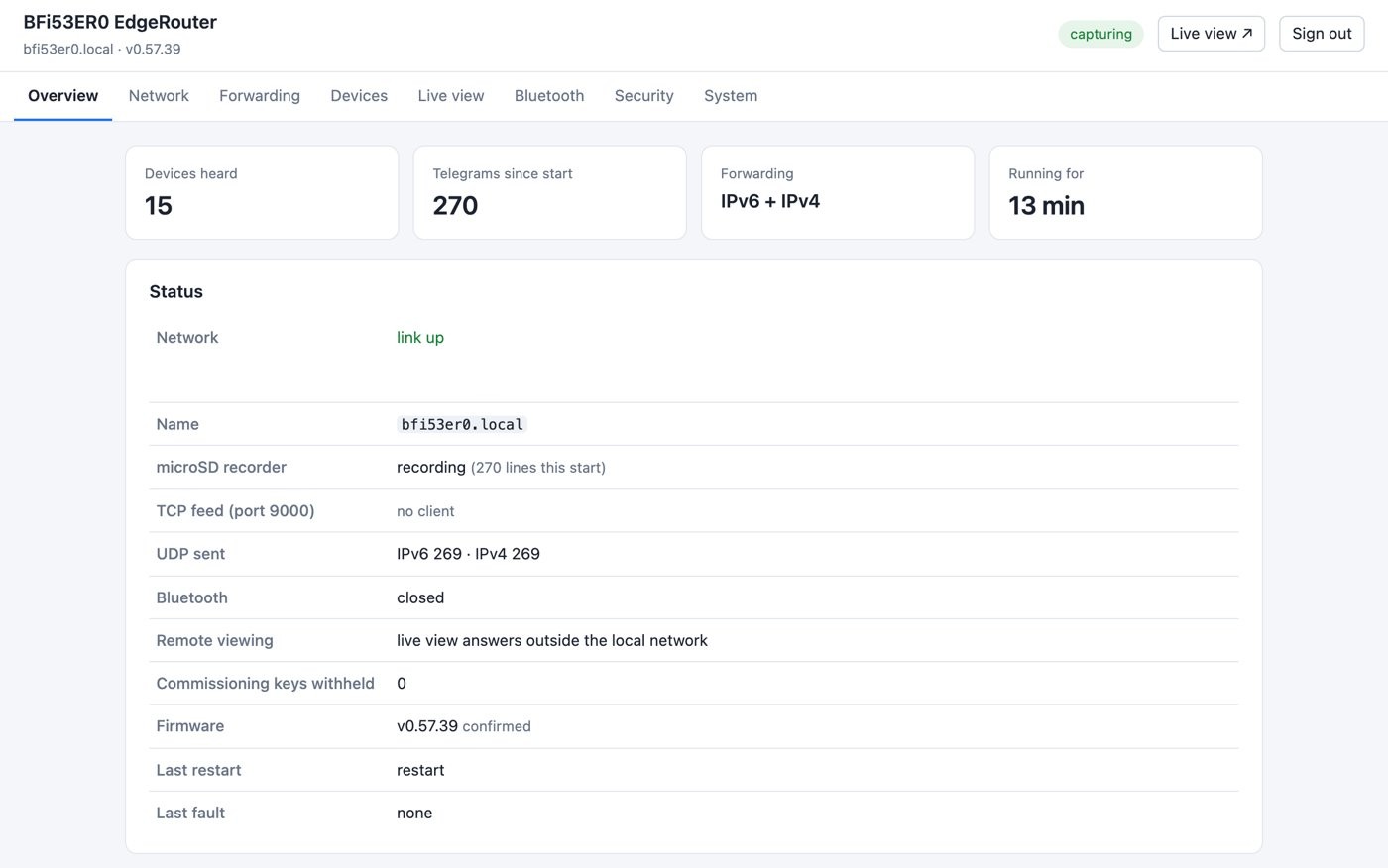
The RS-485 equipment and points you have, the areas without cable, where call buttons should go and the system to connect to — we propose a configuration and quote it with the EdgeRouter.
Talk to us about your site Part numbers & order