
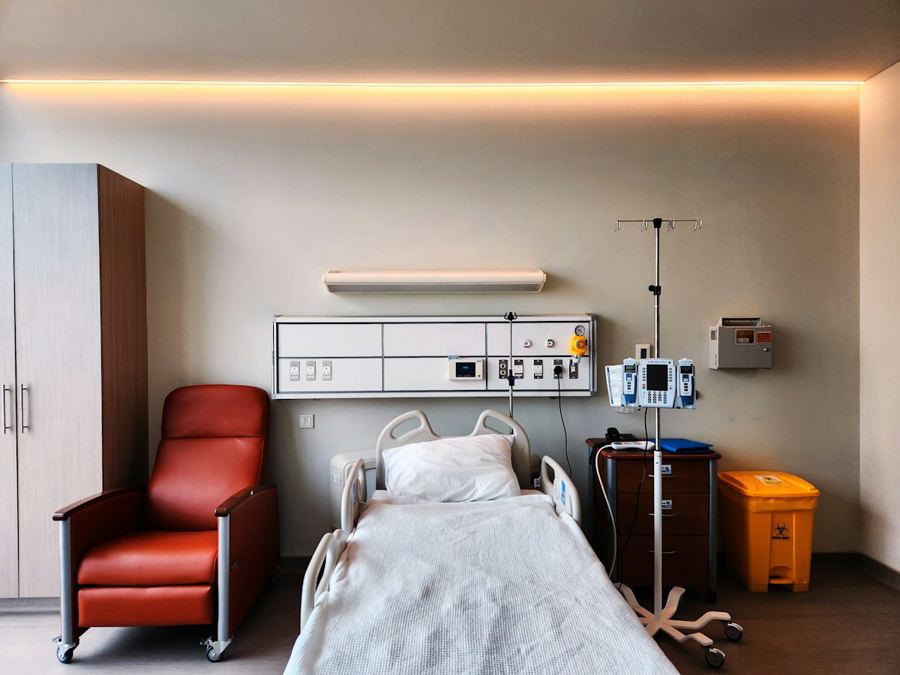
A battery-free button goes wherever someone may need help — beside a bed, in a bathroom, in a classroom. Next to it, EnOcean STM 550B and EMDCB sensors report temperature, humidity, presence and light, calibrated at the factory. One BFi53ER0 EdgeRouter hands all of it to the nurse-call, security or building system you already run — and it is set up from a web page, with every call and reading visible in the browser the moment it is heard.
Product combinationBFi53ER0-BF EdgeRouter + BFi5EWS call buttons + STM 550B / EMDCB sensors
Assistive — it supplements a certified nurse-call system; it does not replace one.

Call buttons for lone workers on production lines and in equipment rooms are part of Factories & Infrastructure →
The button is powered by the press; the sensors by room light. EnOcean calibrates the sensors at the factory and stores the values inside them, so there is no calibration visit and no battery round.
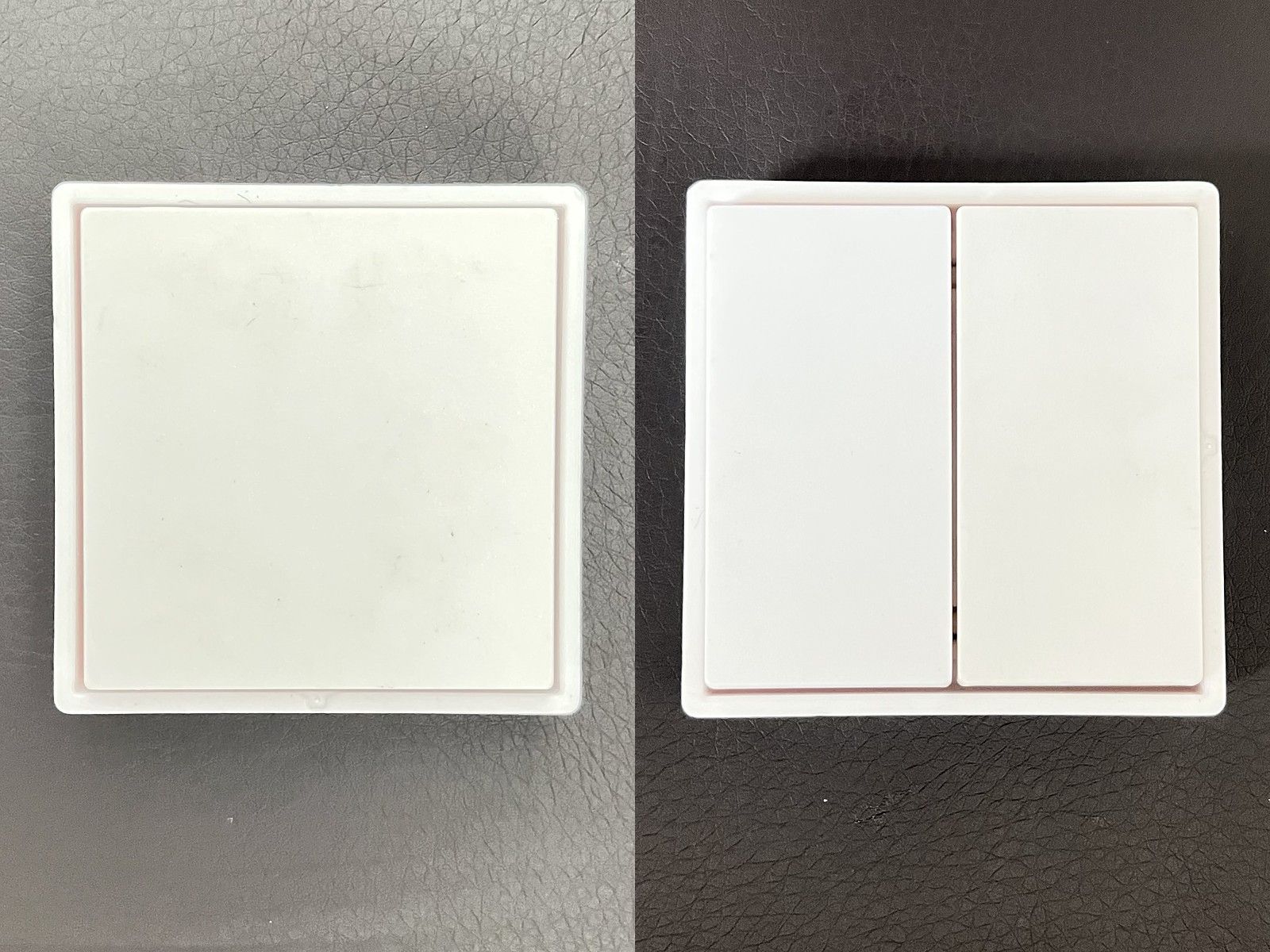
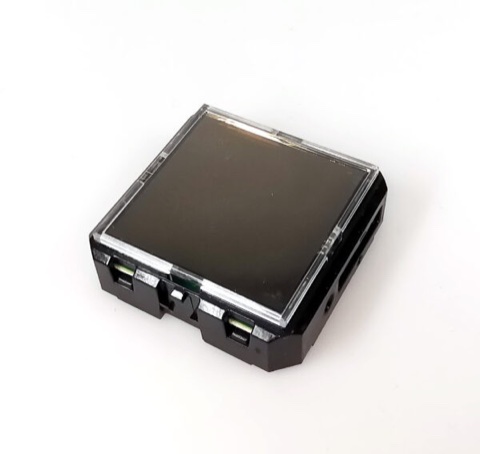
No commissioning tool and no software on a PC: the gateway serves its own pages. Stick the buttons and sensors up, open a browser, and each one appears the first time it is pressed or reports.
http://bfi53er0-xxxx.local/ on a laptop or phone on the same network. No app, no server, no software to install — and no internet or router needed to get started.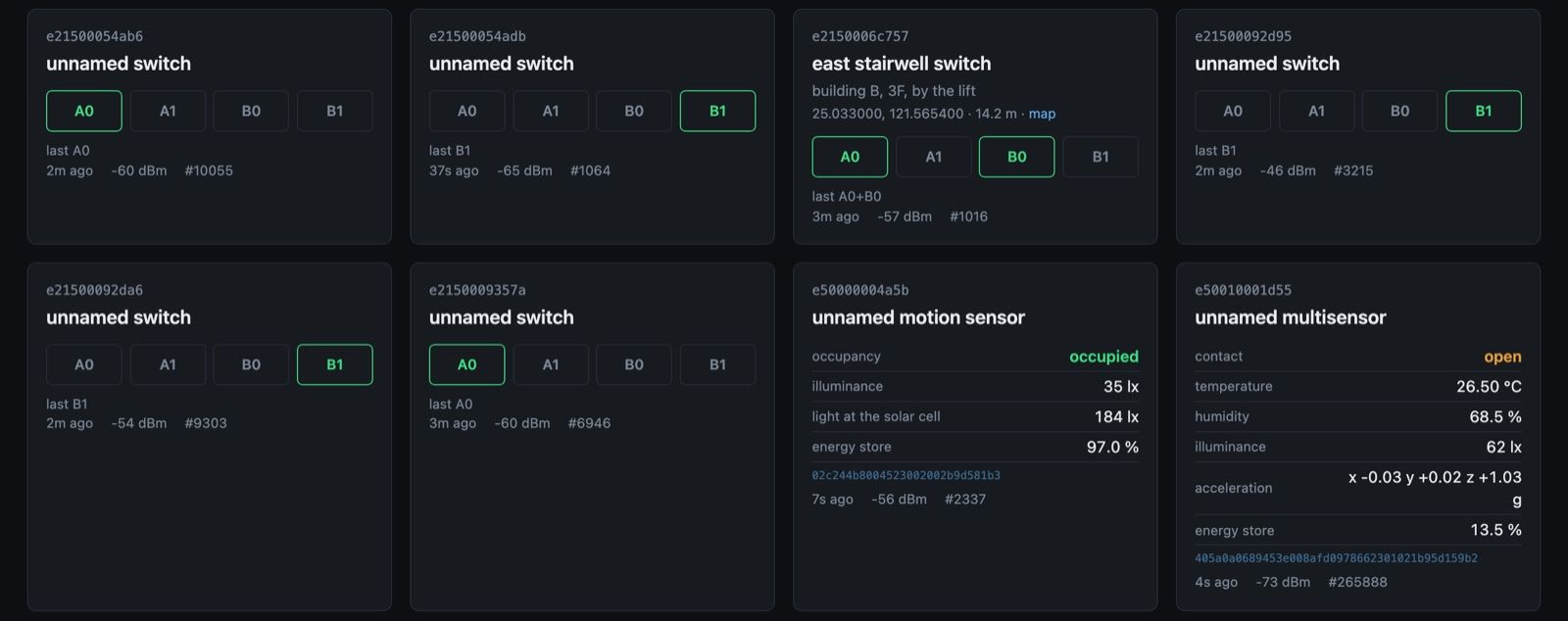
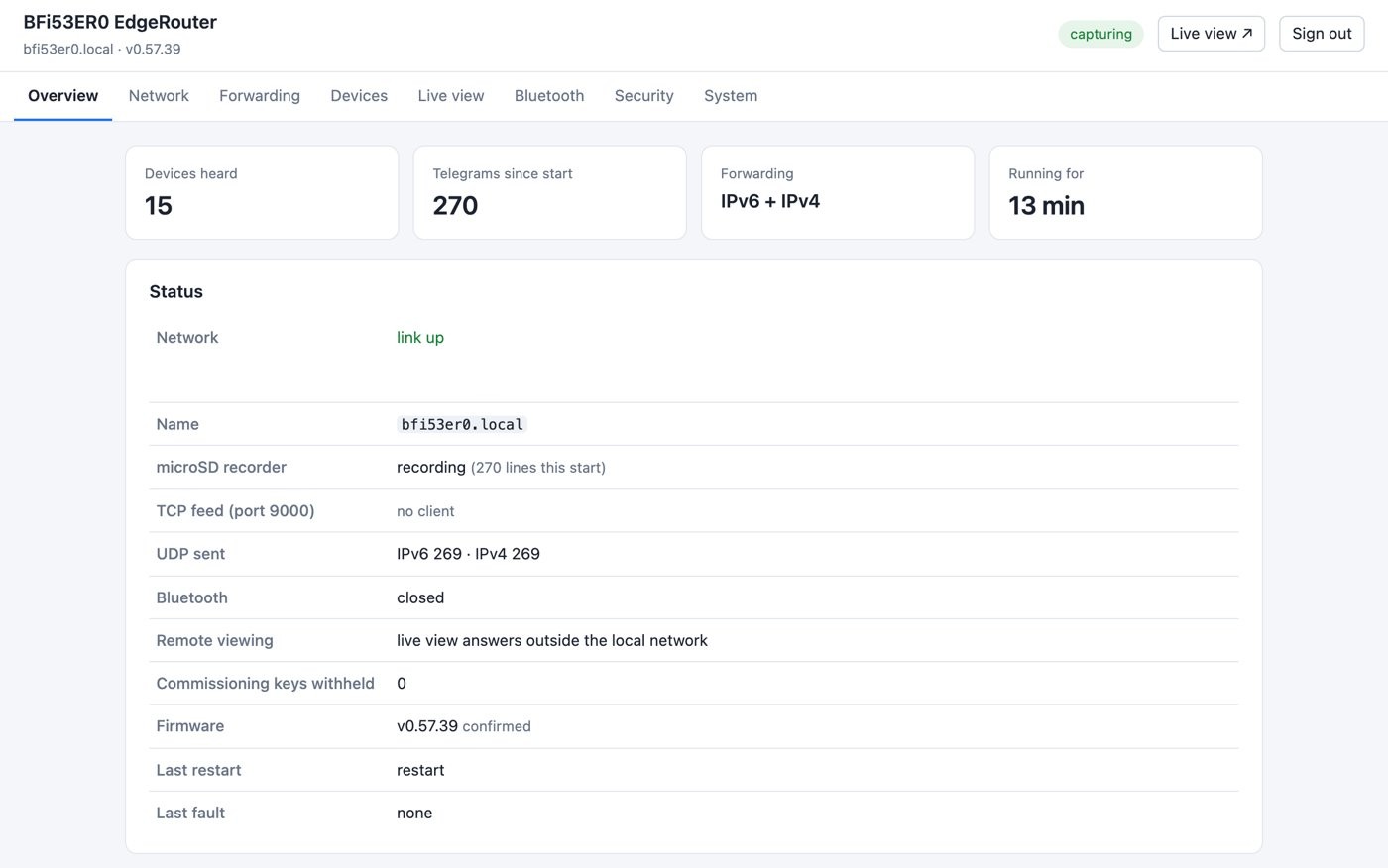
The call, the room climate and presence arrive together, so one screen, one alarm list and one escalation path cover all of them.
Battery-free buttons, STM 550B and EMDCB. Bluetooth LE, all three advertising channels.
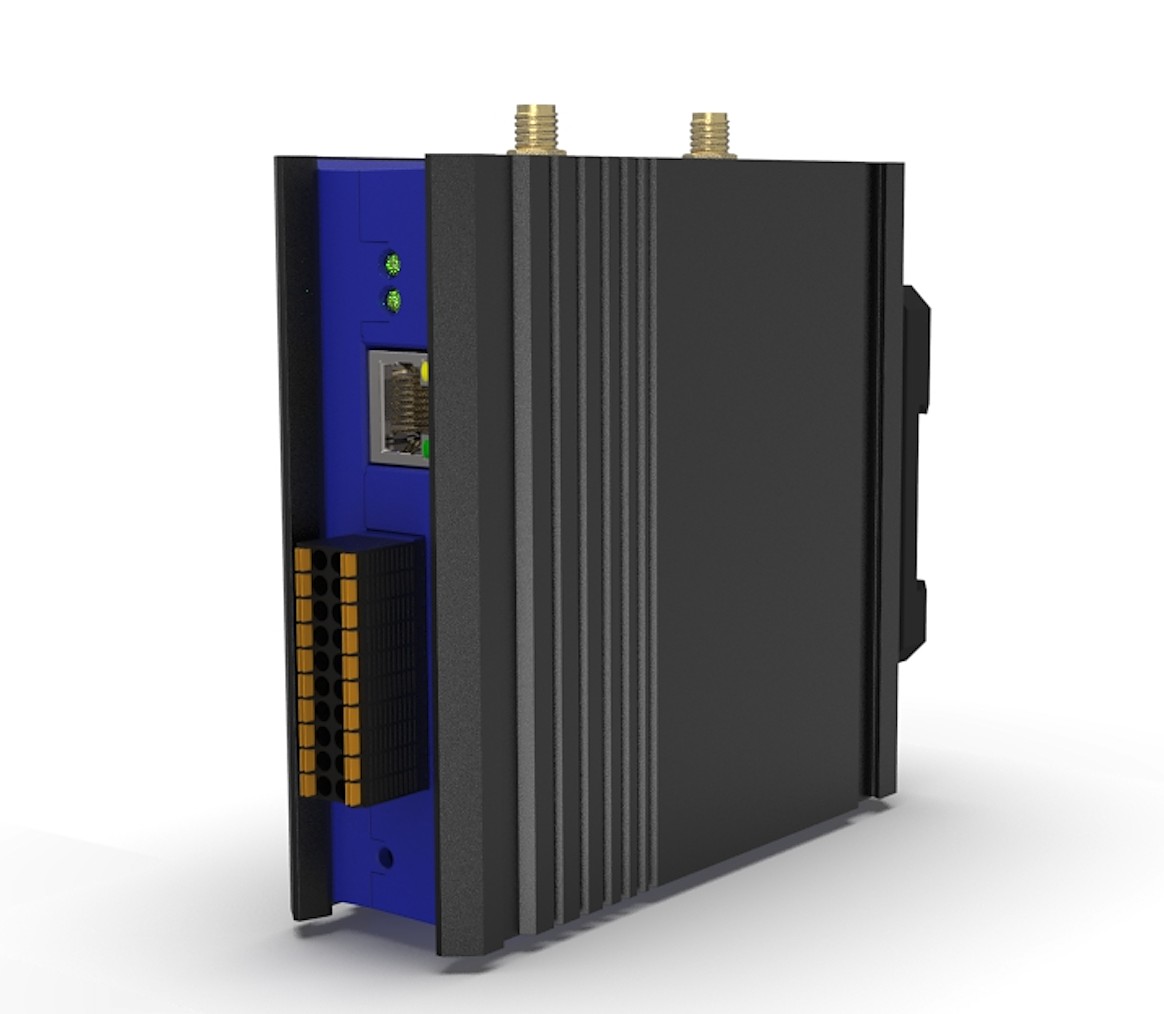
PoE, DIN rail or wall. -BF: JSON over UDP / TCP and Modbus TCP, IPv4 and IPv6; a button press can drive a 24 V digital output to a strobe or a sounder at the door directly, and a rule can flag a room sensor that has not reported for a set time (rules) — not a call button, which sends only when pressed. -MB: Modbus TCP, and the 24 V digital outputs can drive a strobe or a sounder at the door.
Nurse-call, security, the front desk, a BMS or a dashboard — whatever already takes Modbus TCP or JSON over IP.
Need CO₂ and VOC as well? Add a BFi91XTD node with an environmental sensor (temperature, humidity, pressure, air quality); it reports over DECT NR+, and a BFi53ER0S brings it into the same building system as Modbus TCP. Gateway details: Battery-free Bluetooth gateway · Modbus TCP & Bluetooth Mesh.
One PoE cable for power and data, on a DIN rail or on the wall — in a riser, a nurses’ station cabinet or above a ceiling.
Both sensors are calibrated at EnOcean’s factory and keep the values inside the device. The figures below are EnOcean’s specification values, not a site guarantee; mounting height and position still matter.
| Temperature | ±0.3 K over the operating range; ±0.2 K in the typical indoor range. Measurement range −25 to +65 °C |
|---|---|
| Humidity | ±3 % r.h.; ±2 % r.h. in the typical indoor range. 0 to 100 % r.h. |
| Illuminance | ±10 %, 0 to 65 000 lx; measured with the calibrated solar cell by default since product revision DB (2024) |
| Acceleration | ±4 g range, 0.002 g resolution; a movement above 0.03 g (configurable) reports at once |
| Magnet contact | Open or closed, for a door or window |
| Calibration | Factory; values held in a non-accessible area of the device |
| Report interval | Every 120 s by default since revision DB (60 s before), configurable via NFC |
| Operating conditions | −5 to +45 °C, 0 to 90 % r.h. non-condensing; indoor, dry rooms only |
| Power | Solar cell: 200 lx for 6 h a day; 4 days in darkness after a full charge; optional CR1632 backup |
| Radio | Bluetooth LE advertising, channels 37/38/39, +4 dBm; typ. 30 m line of sight, 10 m indoors |
| Security | AES-128 (CBC) authentication with sequence counter |
| Size | Module 40 × 40 × 13 mm; with frame (EMSIB) 49 × 49 × 13 mm |
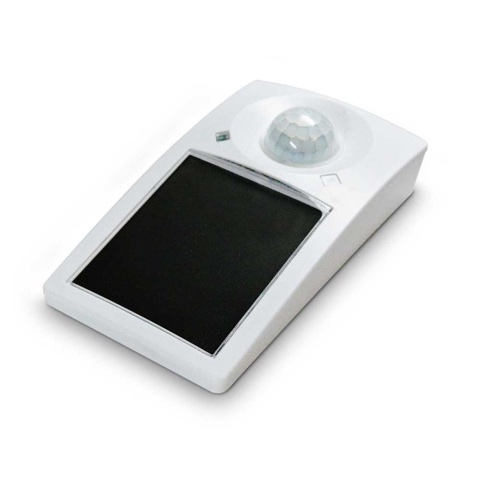
| Motion | PIR; detection radius up to 5 m when mounted 3 m high (ceiling, 2.5–3 m recommended). First motion reported at once; sensitivity switch |
|---|---|
| Illuminance | ±5 % at full scale, 0 to 65 000 lx, 1 lx resolution |
| Calibration | Solar cell calibrated at the factory for universal use; light on a desk surface still needs calibrating at the receiver |
| Report interval | About every 1 min with motion, every 2 min without; configurable via NFC |
| Operating conditions | 0 to 60 °C (0 to 30 °C recommended), 20 to 85 % r.h. non-condensing; indoor only |
| PIR note | The room must be clearly colder than the body (36.5 °C) for motion to be detected |
| Power | Solar cell: 200 lx for 6 h a day; up to 14 days in darkness after a full charge; optional CR2032 backup |
| Radio | Bluetooth LE advertising, channels 37/38/39, +4 dBm (0 dBm selectable); 75 m ideal line of sight, 10 m indoors |
| Security | AES-128 (CBC) authentication with sequence counter |
| Size | 113.2 × 65.5 × 30.7 mm |
| Approvals | CE / RED, FCC, ISED, ARIB (EnOcean) |
Sources: EnOcean STM 550B user manual v1.5 (March 2023), datasheet (July 2022) and product change notice for revision DB (July 2024); EnOcean EMDCB user manual v1.8 (June 2021) and datasheet (June 2019). Where a datasheet and the later user manual differ, the user manual’s value is shown. Radio range is EnOcean’s guidance; button to gateway: within one room, up to 15 m line of sight (guidance only, per the radio module’s specification).
Assistive, not certified. This is an application built from standard products, not a certified nurse-call or life-safety system; where regulations require one, it supplements that system rather than replacing it, and it never replaces fire alarms. The browser live view is for set-up and at-a-glance checks; calls that must reach staff are routed to the nurse-call, security or building system. The sensors and buttons are rated for indoor use; the STM 550B for dry rooms at −5 to +45 °C. Calibration and accuracy figures are EnOcean’s specification values, not a site guarantee; mounting height and position still matter. Button-to-gateway distance: within one room, up to 15 m line of sight (guidance only, per the radio module’s specification); survey each installation.
Calibration and accuracy: EnOcean STM 550B user manual v1.5 (2023) and EMDCB user manual v1.8 (2021). EnOcean, STM and PTM are trademarks of EnOcean GmbH; Bluetooth is a trademark of Bluetooth SIG, Inc. Device photos: EnOcean GmbH and BANFi; scene photos: Unsplash.
Tell us the site, how many call points and rooms, and what should receive the calls today. We propose the buttons, sensors and gateway firmware for it.